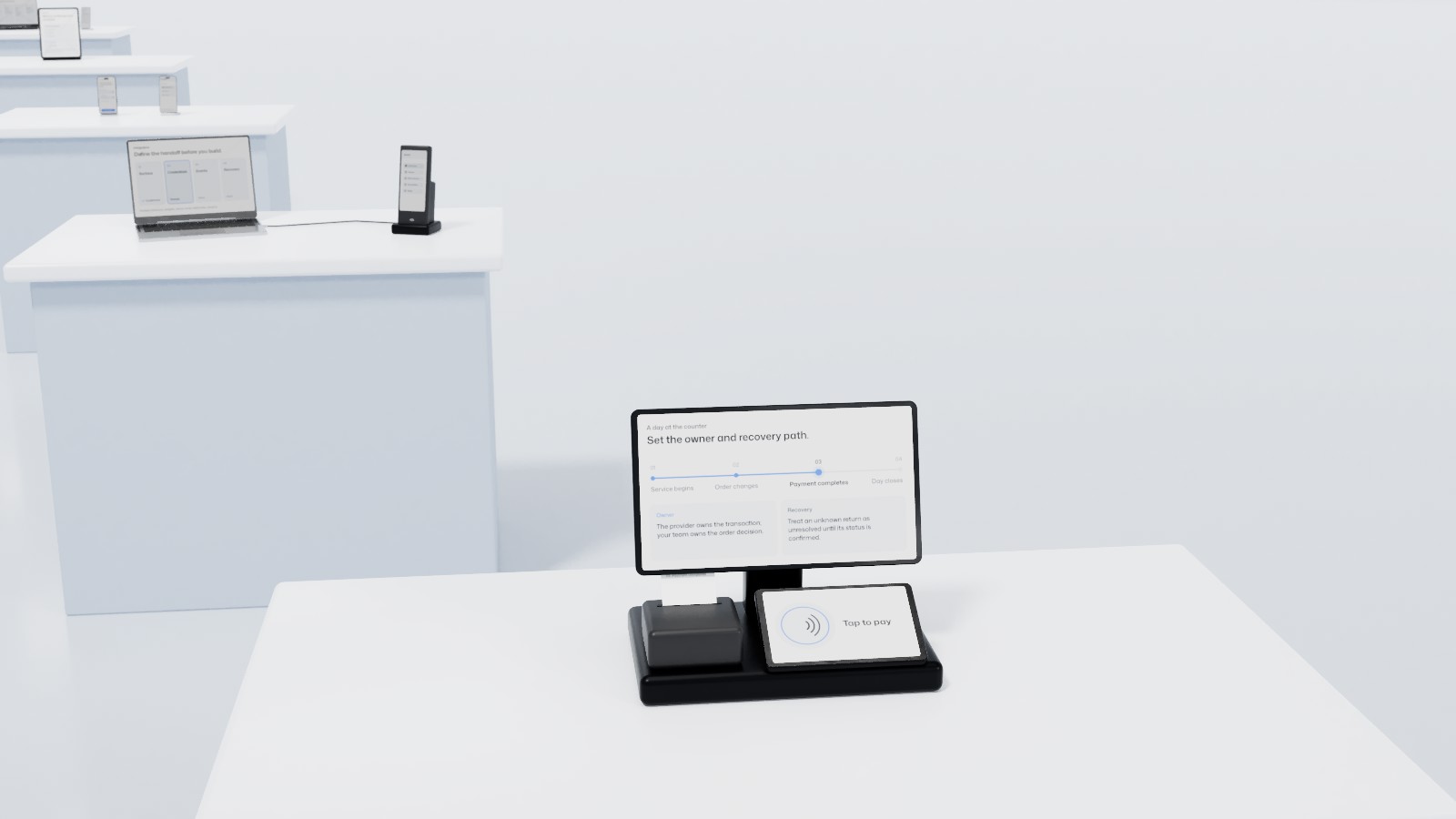
Many restaurants, cafés and shops in Vancouver choose a POS because a neighbour uses it or because a terminal came with the bank account. It works better the other way around: map how your team serves customers, then pick the system and the hardware that fit.
Start with the workflow
- Where orders start: at the counter, at the table, through a QR menu or from online ordering.
- What happens behind the counter: printed tickets or a kitchen display, modifiers and inventory.
- How customers pay: at the counter or at the table, split bills, tips on the terminal.
- Who can change an order: voids, discounts and refunds, and who approves them.
- How the day closes: totals, the cash count and the report your bookkeeper needs.
Compare the platforms against that map
Clover, Square, Lightspeed and Moneris are all used by businesses in Canada, and each suits some workflows better than others. Compare them on the points above, such as table and order management, kitchen display, inventory, reporting and staff permissions, and on the support you get when something breaks during a busy service.
Choose hardware for your space
Countertop terminals suit a quick-service counter. Handheld terminals let staff take payment at the table or on the patio. Check the Wi-Fi or cellular signal across the whole space, and ask what the system does if the connection drops in the middle of service.
Questions to ask before you sign
- Is payment processing tied to this POS, or can you choose your own provider?
- Do you buy, rent or lease the hardware, and for how long?
- Which integrations are included, such as accounting, online ordering or loyalty?
- Can you export your sales and product data if you leave?
Plan your POS with OmniPay
OmniPay maps order flow, checkout, inventory, accounting and training before recommending a processor or hardware, and checks whether your existing equipment can stay. See how a POS day runs from first order to close, then start a payment review for your Vancouver business, or call 1 (855) 757-6604.