
Skip to main content
An invoice on a clipboard handed across a counter while a card is tapped on a terminal.

01–02 / 07Channels · Acceptance

Take payments at the counter, online or by invoice.

Start a payment review

Compare the customer experience, connected systems, provider setup and reconciliation behind each channel.

  • Tell us how service moves from the first order to payment.

    You own the service flow and current setup. OmniPay identifies the questions to resolve before a provider decision.

    Start an in-person review

  • Tell us where checkout happens and who owns the provider credentials.

    You name the checkout and implementation owner. Confirm credential and transaction responsibility in the selected provider agreement.

    Start an online review

  • Tell us who sends the request, follows payment and records the result.

    You name the request and follow-up owner. This review does not mark an invoice paid or change an accounting record.

    Start an invoice review

Station 01, Channels, close up: a laptop with an online checkout on its screen, a tablet with an invoice, a phone ready to take a tap and a card on the counter.

01 Channels

Where customers pay.

  • Countertop, handheld or mobile service area

  • Hosted checkout, embedded widget or commerce platform

  • Invoice, payment link or another customer-facing channel

  • App payments, QR checkout, tap on phone

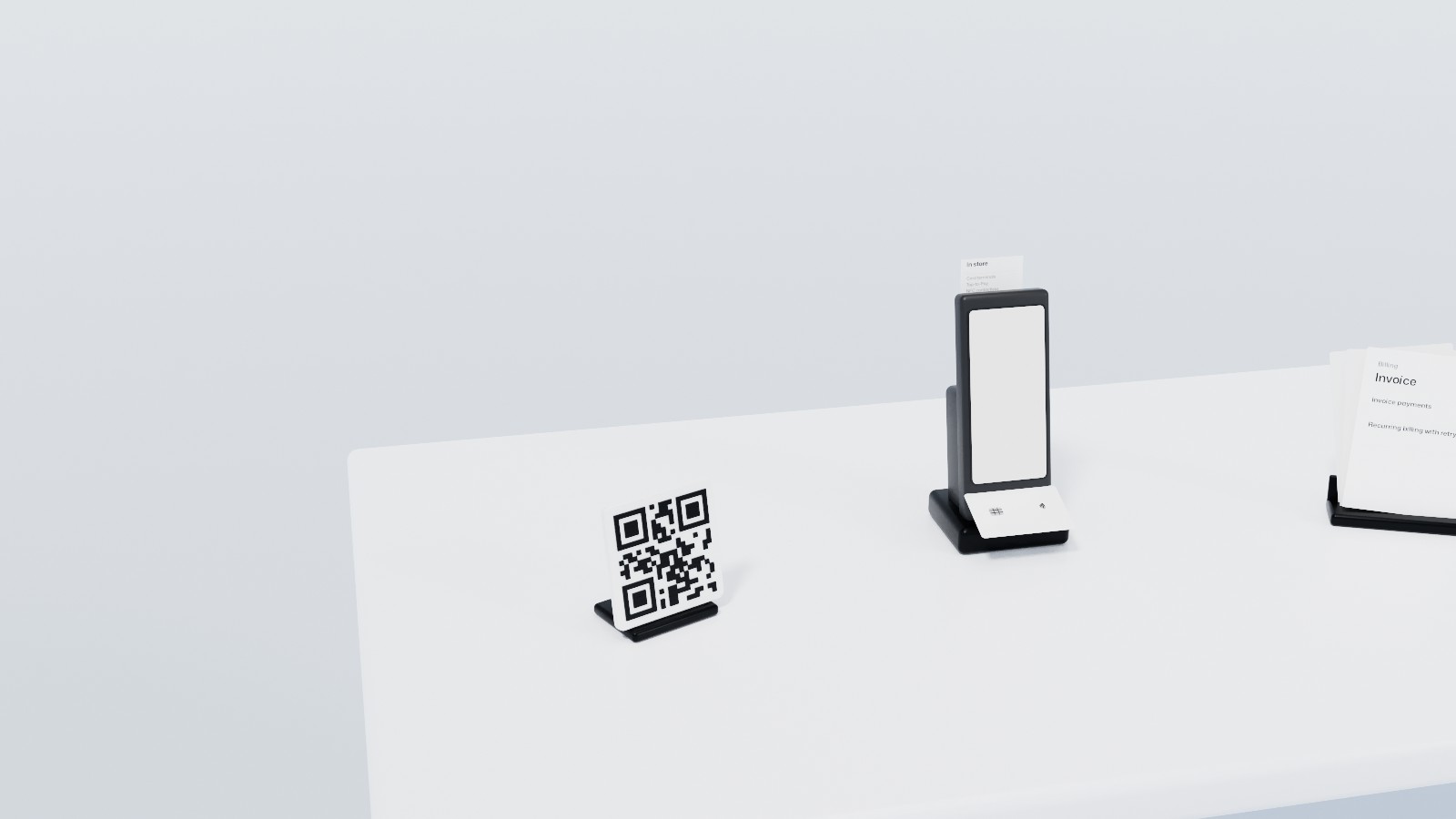
Station 02, Acceptance, close up: a handheld payment terminal in its dock with a card held over it and a slip out of its printer, a QR sign and the printed invoices of recurring billing beside it.

02 Acceptance

What takes the payment.

  • Card terminals, Tap-to-Pay, NFC contactless, Interac debit, receipt printing

  • Payment gateway, e-commerce checkout, app payments, QR code

Compare what each payment channel needs.

01 / 03

01 Counter

Counter payments.

  1. Where do customers pay?Countertop, handheld or mobile service area.
  2. Which work must stay connected?POS, ordering, accounting and staff workflow.
  3. Which details should you bring?Current statement, pricing, contract terms and support needs.

Your roleYou own the service flow and current setup. OmniPay identifies the questions to resolve before a provider decision.

What it can include 6
  • Card terminalsCountertop, handheld, and wireless terminals for card-present payments.
  • Tap-to-PayTap payments for cards and mobile wallets.
  • NFC contactlessNFC-ready acceptance for Apple Pay, Google Pay, and contactless cards.
  • Interac debitCanadian debit acceptance for in-store and supported online payment flows.
  • Receipt printingPrinted and digital receipt support for counter, service, and restaurant workflows.
  • Tap on PhoneTurn compatible phones into payment acceptance devices for line-busting and mobile teams.

Start an in-person review

02 Online

Online payments.

  1. Where does checkout happen?Hosted checkout, embedded widget or commerce platform.
  2. Who controls the provider credentials?Your team, implementation partner or provider.
  3. What happens after payment?Order status, webhooks, reconciliation and support ownership.

Your roleYou name the checkout and implementation owner. Confirm credential and transaction responsibility in the selected provider agreement.

What it can include 4
  • Payment gatewayHosted setup for secure online and card-not-present payments.
  • E-commerce checkoutCheckout flows for Shopify, WooCommerce, Magento, BigCommerce, and custom storefronts.
  • Mobile app paymentsAccept payments inside mobile apps without sending customers to a separate checkout flow.
  • QR code checkoutUse QR payment links for tables, counters, events, invoices, and quick self-serve checkout.

Start an online review

03 Invoice

Invoice payments.

  1. How do customers receive the request?Invoice, payment link or another customer-facing channel.
  2. Who tracks payment status?Name the team or system responsible for follow-up.
  3. Where does the result get recorded?Accounting handoff, payment status and follow-up owner.

Your roleYou name the request and follow-up owner. This review does not mark an invoice paid or change an accounting record.

What it can include 2
  • Invoice paymentsSend payable invoices and collect through supported online methods.
  • Recurring and subscription billingSubscription schedules, invoice cycles, retry logic, and reconciliation.

Start an invoice review

Crypto & FX

Accept digital assets, or sell in more than one currency.

Accept Bitcoin, Ethereum, and supported digital assets through the VirgoCX partnership.

  1. 01

    BTC and ETH acceptance

    Bitcoin and Ethereum acceptance through the VirgoCX partner flow.

  2. 02

    Multi-currency support

    Review cross-border payment and payout options before setup.

  3. 03

    Foreign exchange review

    Review FX visibility, price display, and payout path before launch.

Plan crypto and FX